


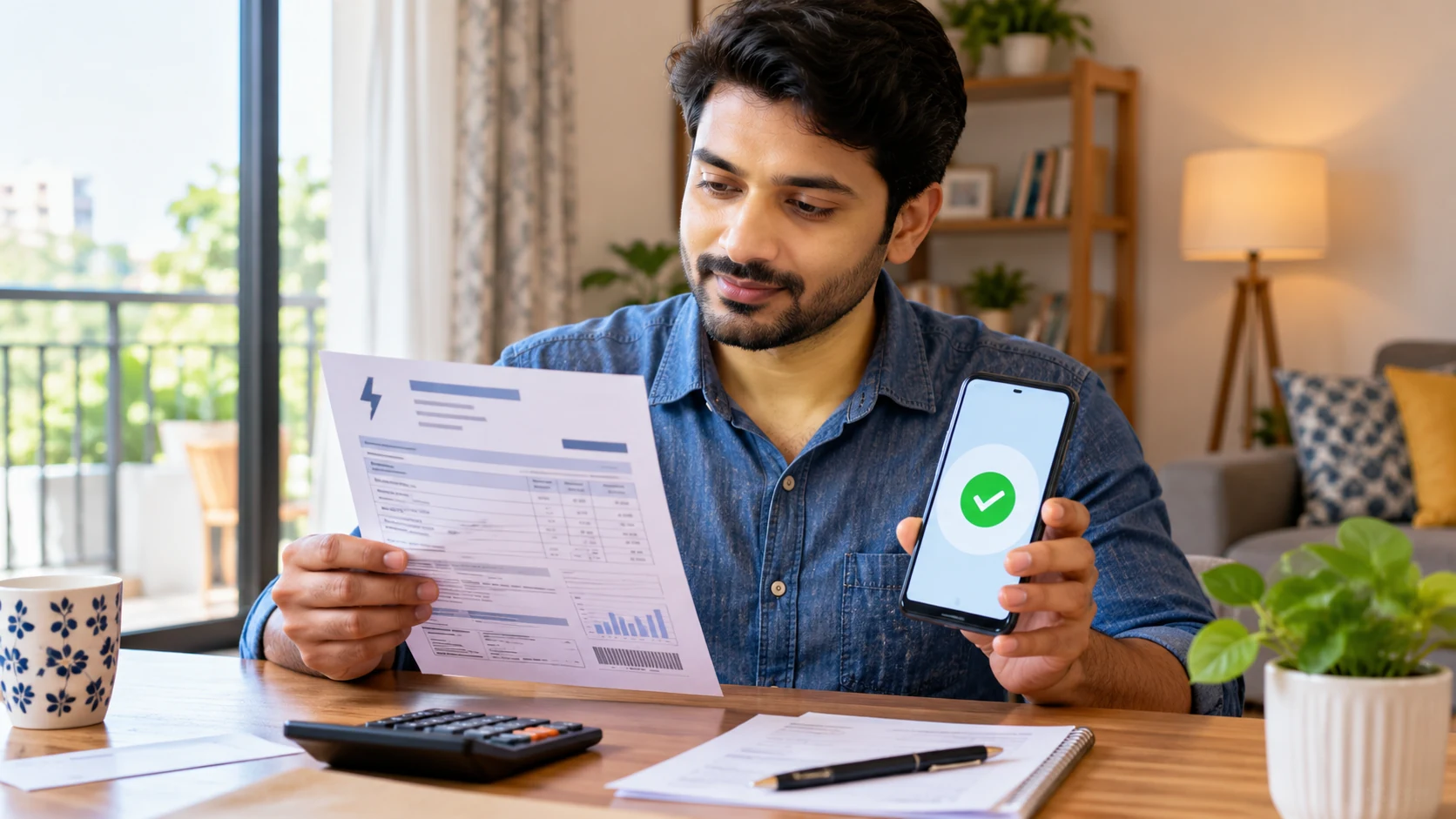
WhatsApp bill payment in India is designed to let eligible users find, manage and pay supported household bills without leaving the messaging app. Meta announced the feature on 3 September 2026, saying it is powered by the Bharat Connect (BBPS) network and is rolling out gradually across India. That gradual rollout matters: the feature may not appear for every user at the same time, and a provider listed in a category is not necessarily available for every account.
Table of Contents
WhatsApp Bill Payment in India
Meta’s announcement describes a bill-payment interface accessible by tapping the ₹ icon at the top of the WhatsApp home screen. Users can choose a category and biller, confirm account details, review a fetched bill and select an available payment method. Meta also describes features for viewing past payments and upcoming bills and managing multiple accounts under one provider.
The service uses Bharat Connect, also known as the Bharat Bill Payment System (BBPS) network. Its purpose is to make supported billers easier to find in one interface. It does not mean WhatsApp replaces every biller’s customer-service portal or that every account can be paid through the feature.
Which bill categories are included?
Meta’s announcement lists electricity, gas, water, FASTag, insurance, credit-card payments and loan repayments among the categories available through the service. It refers to access to 22,722 billers across 30 categories at launch. These are figures from the announcement, not a guarantee that every provider is available to every user today.
Before starting, check whether your exact biller appears in the app. If it does not, use the provider’s official website or another authorised payment channel rather than selecting a similarly named provider.
How to pay a bill through WhatsApp
Step 1: Check whether the feature is available
Open the official WhatsApp app and look for the ₹ icon at the top of the home screen. If it is not present, update WhatsApp through the official app store, reopen the app and check again. Because the rollout is gradual, an update may not immediately make the feature available.
Step 2: Choose the bill category and provider
Tap the bill-payment entry point, choose the relevant category and locate your biller. Read the provider name carefully. If your provider is missing, do not choose a different company just because its name looks similar.
Step 3: Enter and confirm account details
Follow the on-screen instructions. Depending on the provider, you may need a consumer number, account number or another identifier printed on your bill. Check each digit before continuing because an incorrect identifier may retrieve the wrong account or prevent the bill from being found.
Step 4: Review the bill
Confirm the provider, account details, bill amount and any due-date information displayed. If the information does not match your paper bill or the provider’s official account, stop and verify the details before paying.
Step 5: Select a payment method
Meta’s announcement identifies UPI, debit card and credit card among the payment methods. The options actually shown may vary by transaction. Select an available method and review any fee or confirmation screen before authorising payment.
Step 6: Confirm the result and save the reference
After authorising the transaction, check the payment status. Save the receipt or transaction reference until the biller reflects the payment. A confirmation screen is useful evidence, but if the bill remains unpaid, check the status with the payment provider or biller.
What if the ₹ icon is missing?
The feature was announced as a gradual rollout to Android and iOS users. Its absence does not by itself mean your phone is incompatible or that you have done something wrong.
- Update WhatsApp through Google Play or the Apple App Store.
- Close and reopen the app, then check the home screen.
- Make sure you are using the official WhatsApp application.
- Wait and check again if the feature has not reached your account.
- Use the biller’s official website or another authorised payment option if you need to pay before the feature becomes available.
Avoid unofficial APKs, third-party downloads or people who claim they can activate the feature if you provide an OTP or remote access to your phone.
How to avoid bill-payment mistakes and scams
Verify the biller and account
Check the exact provider name and the account identifier before payment. Do not approve a bill simply because the amount seems familiar. If the displayed bill differs from the bill you received, contact the provider using details from its official website or printed statement.
Protect payment credentials
Never share your UPI PIN, card PIN or OTP with another person. Genuine payment processing may require you to authenticate a transaction in the authorised interface, but you should not disclose secret credentials to a caller or chat contact. Treat unexpected payment links and urgent refund messages with suspicion.
Keep a record
Save the transaction reference and receipt. If a payment is pending, avoid paying again immediately. First check whether the original transaction succeeded or is still being processed.
What to do if a payment fails
The correct response depends on what happened. If no money was deducted, verify the status before retrying. If money was deducted but the bill is still marked unpaid, save the reference and contact the payment provider or biller through an official support channel. If two debits appear, document both transactions and report the duplicate.
Resolution times vary by payment method and provider, so do not promise a universal refund timeline. Keep the reference number and any messages until the dispute is resolved.
WhatsApp payments or the biller’s own app?
WhatsApp may be convenient when your provider is supported and you want to pay without switching between apps. A biller’s official app or website may still be better for tasks such as reporting an outage, disputing an incorrect bill, requesting a new connection or reviewing detailed service history.
Choose the channel based on the task. A payment interface can help settle a bill, but it may not provide all the account-management and customer-service functions offered by the provider.
Frequently asked questions
1. Is WhatsApp bill payment available in India?
Meta announced the feature on 3 September 2026 and said it was rolling out gradually across India. Check your own app to confirm availability.
2. Can I pay electricity, water and gas bills?
Those categories are included in Meta’s announcement, but you still need to confirm that your particular provider and account are supported.
3. Which payment methods are supported?
Meta lists UPI, debit cards and credit cards. The options presented can depend on the transaction and current interface.
4. Why can’t I see the bill-payment option?
The rollout is gradual. Update the official app and check again later; use the provider’s official payment channel if you need to pay now.
5. What should I do if money is deducted but the bill is unpaid?
Save the transaction reference and contact the payment provider or biller through its official support process. Check the status before attempting another payment.
Conclusion
WhatsApp bill payment can make supported household payments easier by bringing billers into a familiar app. Its usefulness depends on rollout availability, the provider list and the options shown for your account. Verify the biller and account details, protect payment credentials and keep the transaction reference. For service complaints or account changes, the provider’s official portal may still be necessary.
Also Read: How to Manage Money Like the 1%: 4 Smart Money Rules

